 ExplainTime EDU
Make history visible.
ExplainTime EDU is a timeline maker for school. Put events on a timeline, see how far apart they really are, present it to your class and test yourself on the order.
Swipe sideways to travel through time.
Ancient Rome, drawn to scale. Caesar’s death and Augustus becoming emperor are only 17 years apart, while the founding of the city lies seven centuries earlier. That’s the To Scale layout in the app.
From dates to a lesson
History comes first, but it works for any subject that happens in time: science, art, literature or your own family.
-
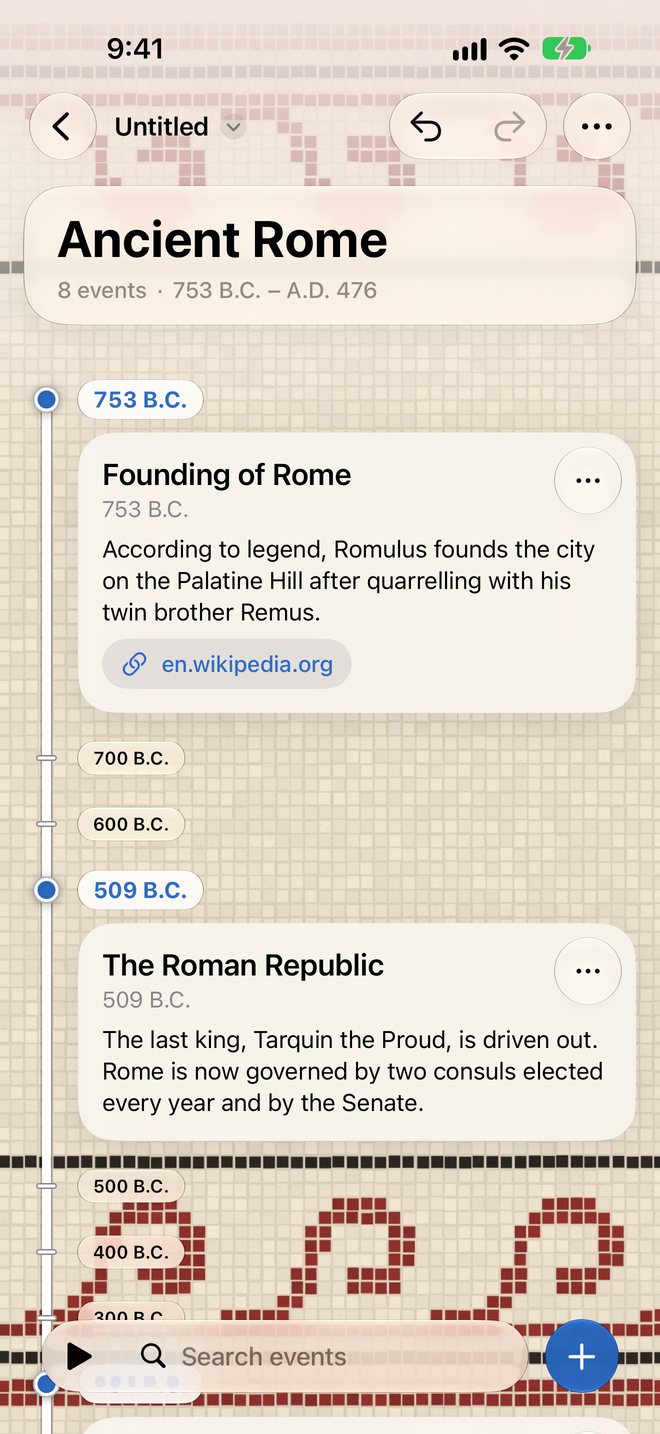
Build your timeline
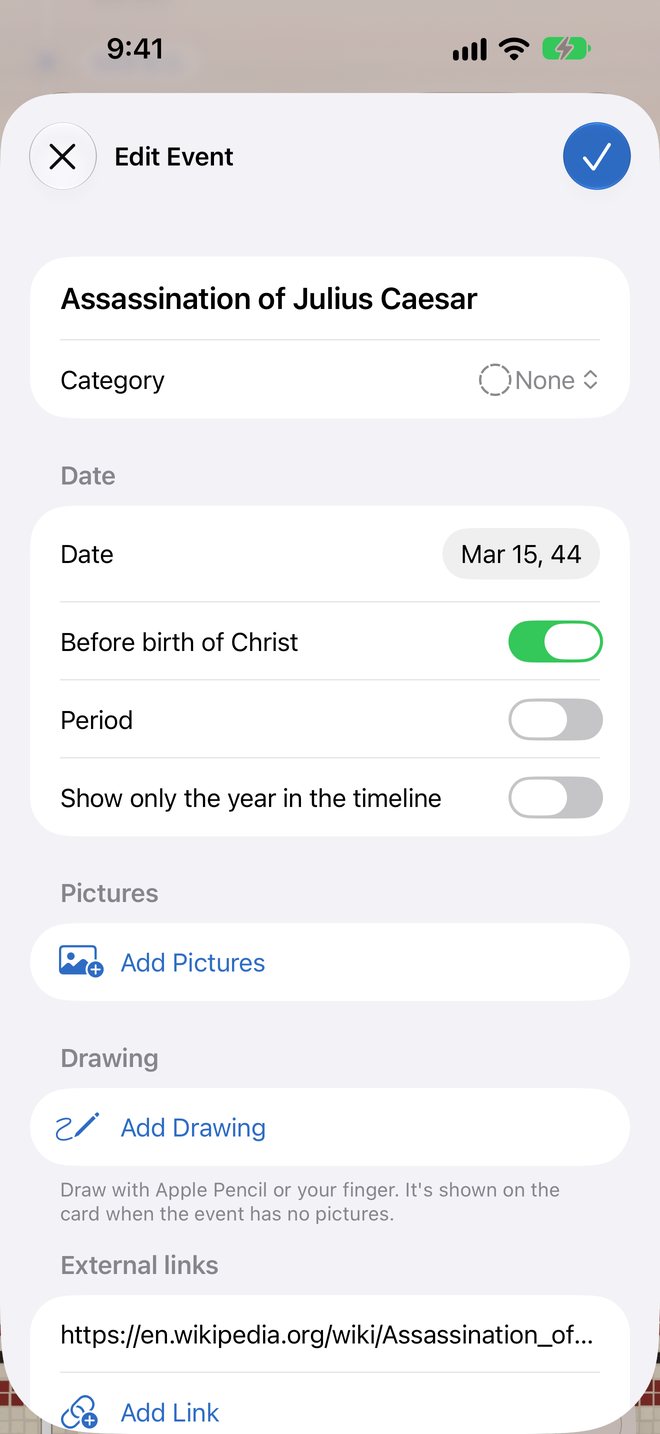
Add events with dates, descriptions, photos, links and drawings. Dates before Christ work too.
-
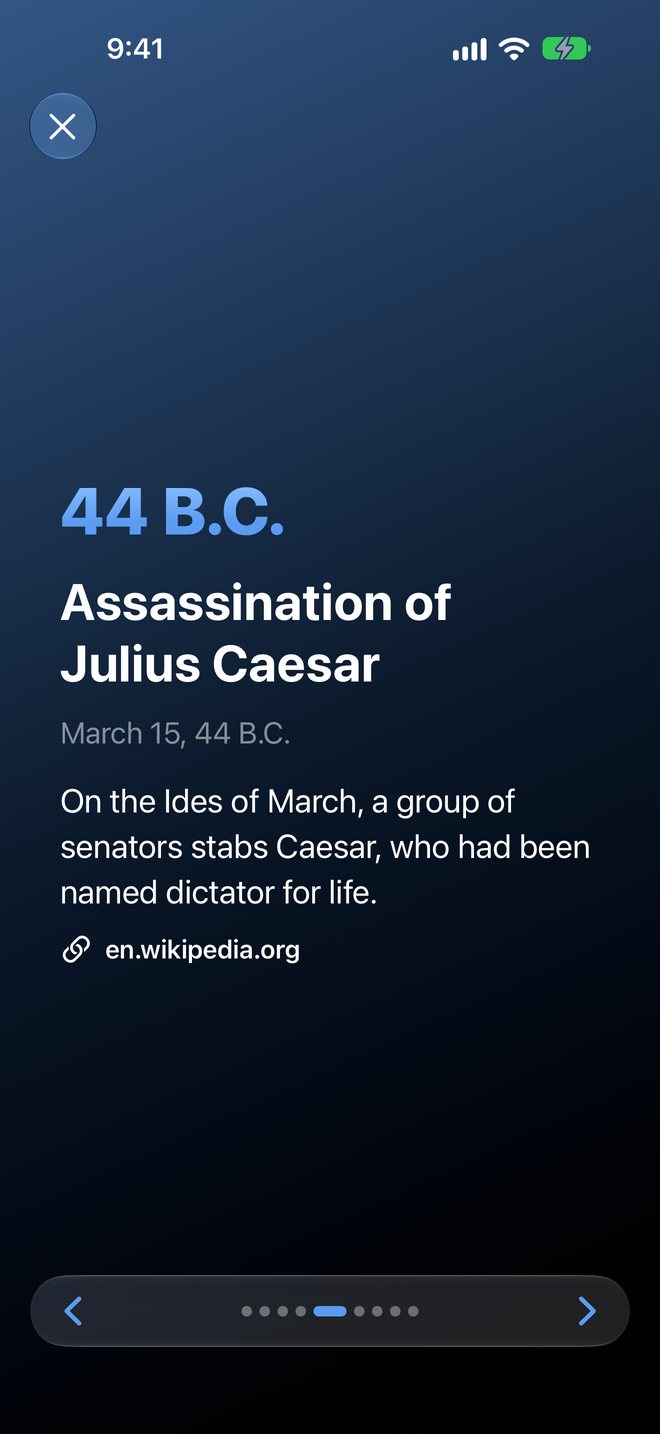
Present it to your class
Full-screen slides show one event at a time, ready for the classroom screen.
-
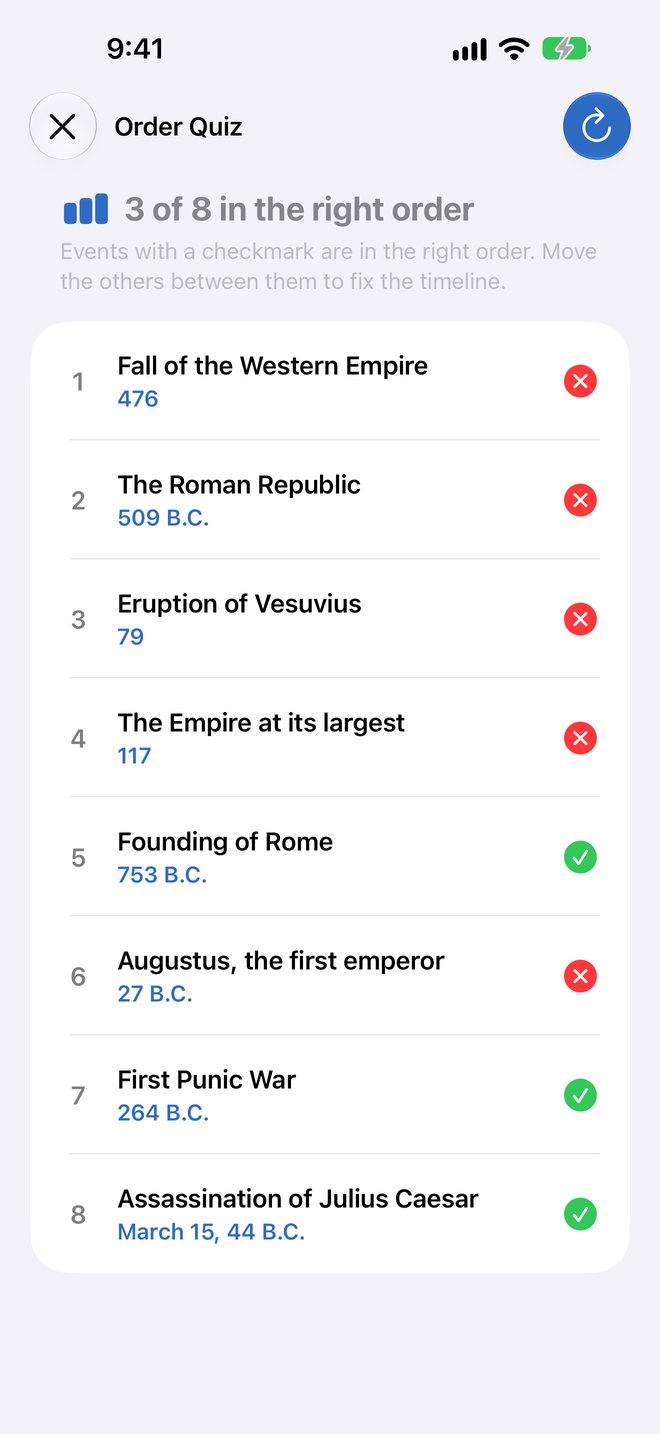
Test yourself on the order
Drag the events into order, then see your score and which ones are in the right place.
Made for school
For students from about 10 to 18, and for the teachers who set the assignments.
- See the distance in time
- The To Scale layout places events by their real distance in years, with year markers every 1 to 1,000 years, an overview map, zoom and search.
- Periods
- Give an event an end date and it’s drawn as a bar, for a war, a reign or an empire.
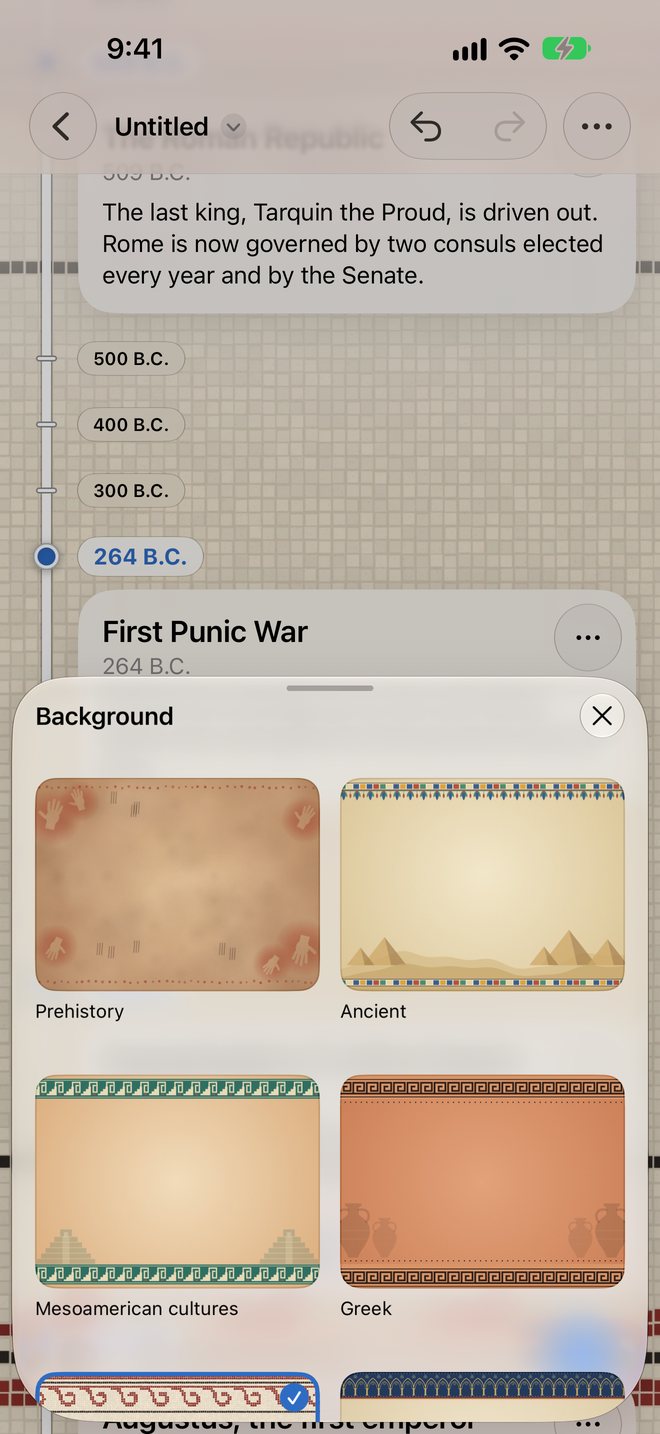
- 19 backgrounds from history
- From Prehistory, Ancient, Greek and Romans to the Renaissance, the Industrial age and the Space Age. On supported devices, describe your own with Image Playground.
- Ideas from Apple Intelligence
- Suggests events for any topic to get you started. Requires a supported device.
- Share and hand in
- Export as an image or a multi-page PDF, and hand in assignments in Schoolwork.
- Upright on iPhone
- Hold your iPhone upright and the timeline runs from top to bottom.
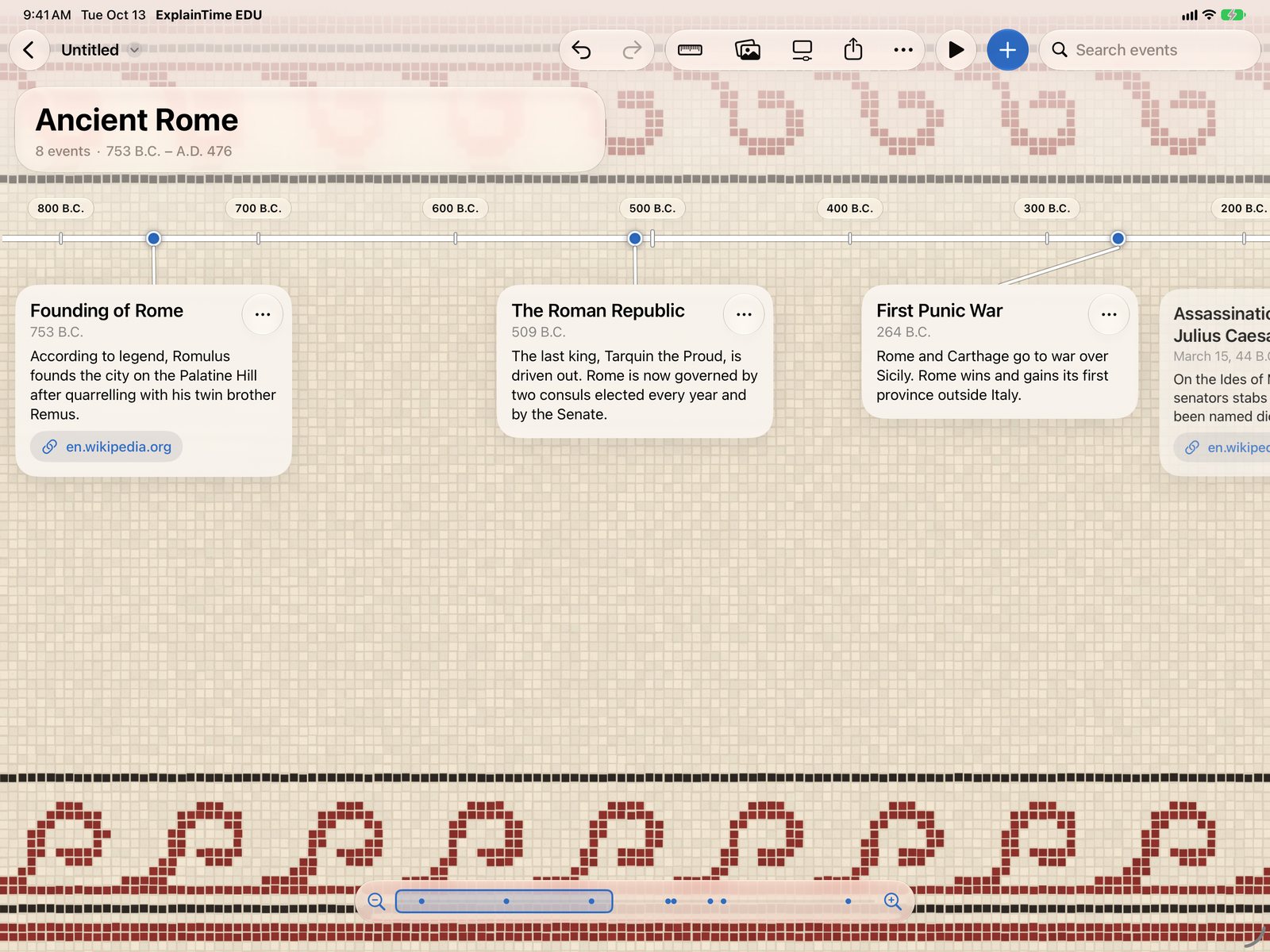
Every detail of an event
Write a description, pick a category, add pictures with captions or draw with Apple Pencil or your finger. Then choose the background that fits the period you’re studying.
No account, no ads, no tracking
ExplainTime EDU collects no data. Your timelines are your own files, saved on your device or in your iCloud Drive.